Post it in the morning, sorted by evening.
Write a line or two, ustas send their price, and you choose who comes.
- 08:40
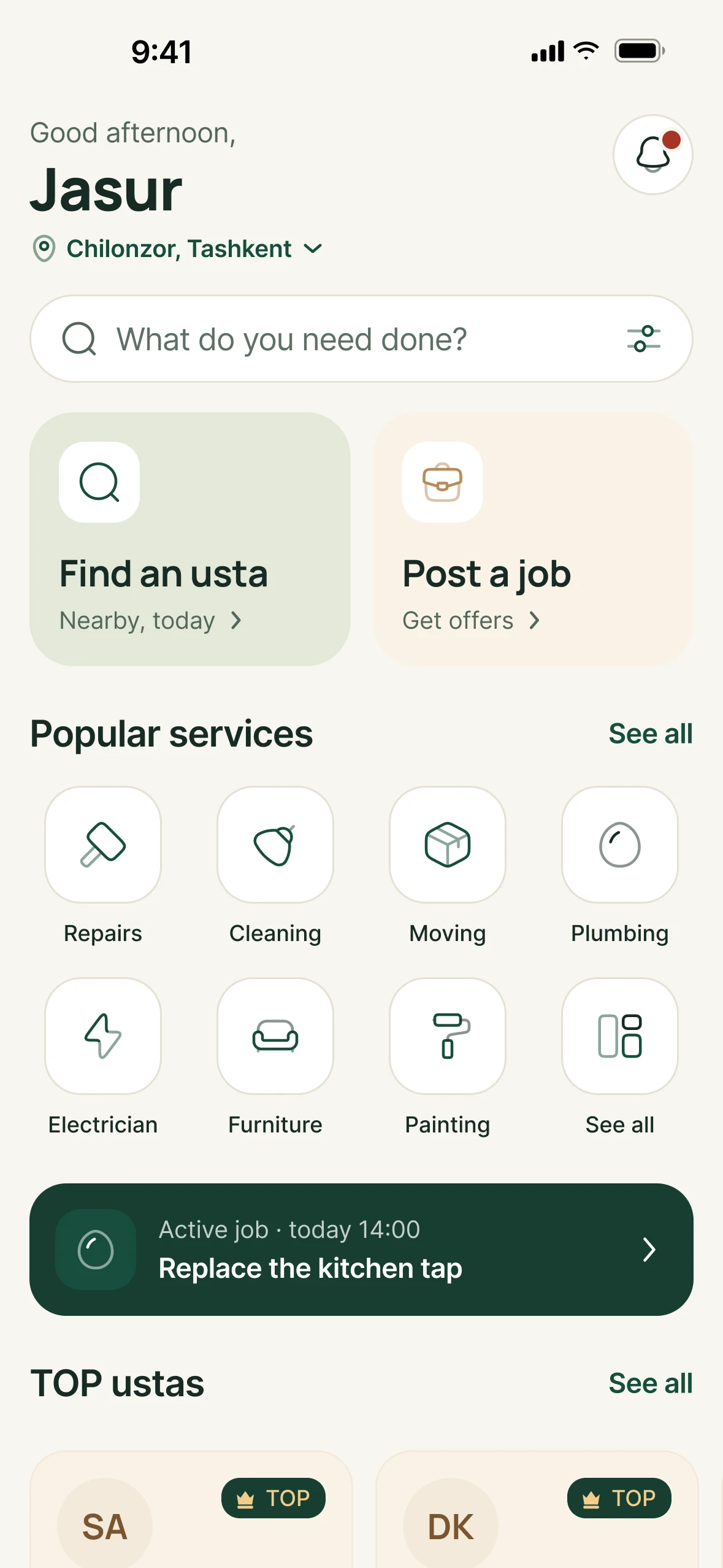
The tap is leaking.
No calling round your friends. You open Kunwork.
- 08:42
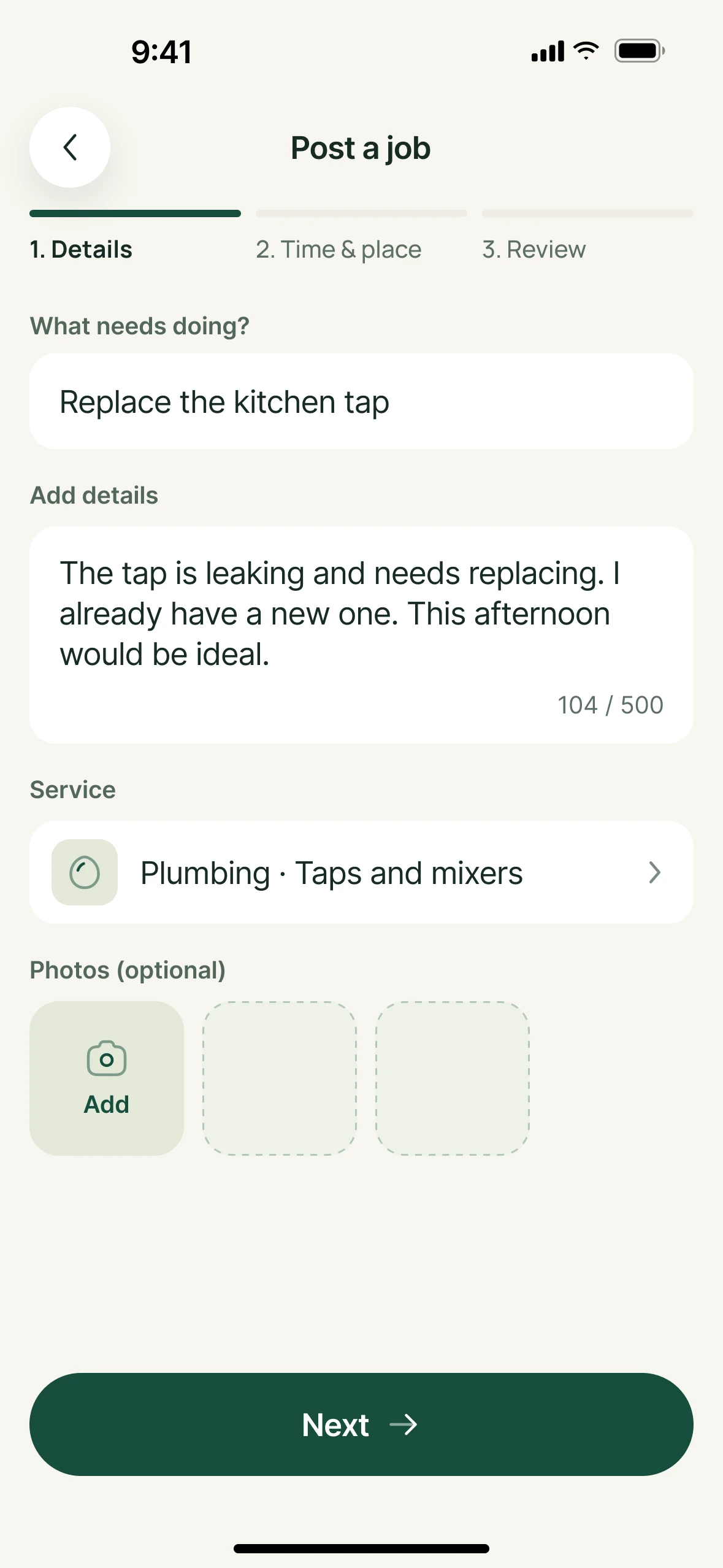
Posted in two minutes.
Say what broke, add a photo and pick a time.
- 09:10
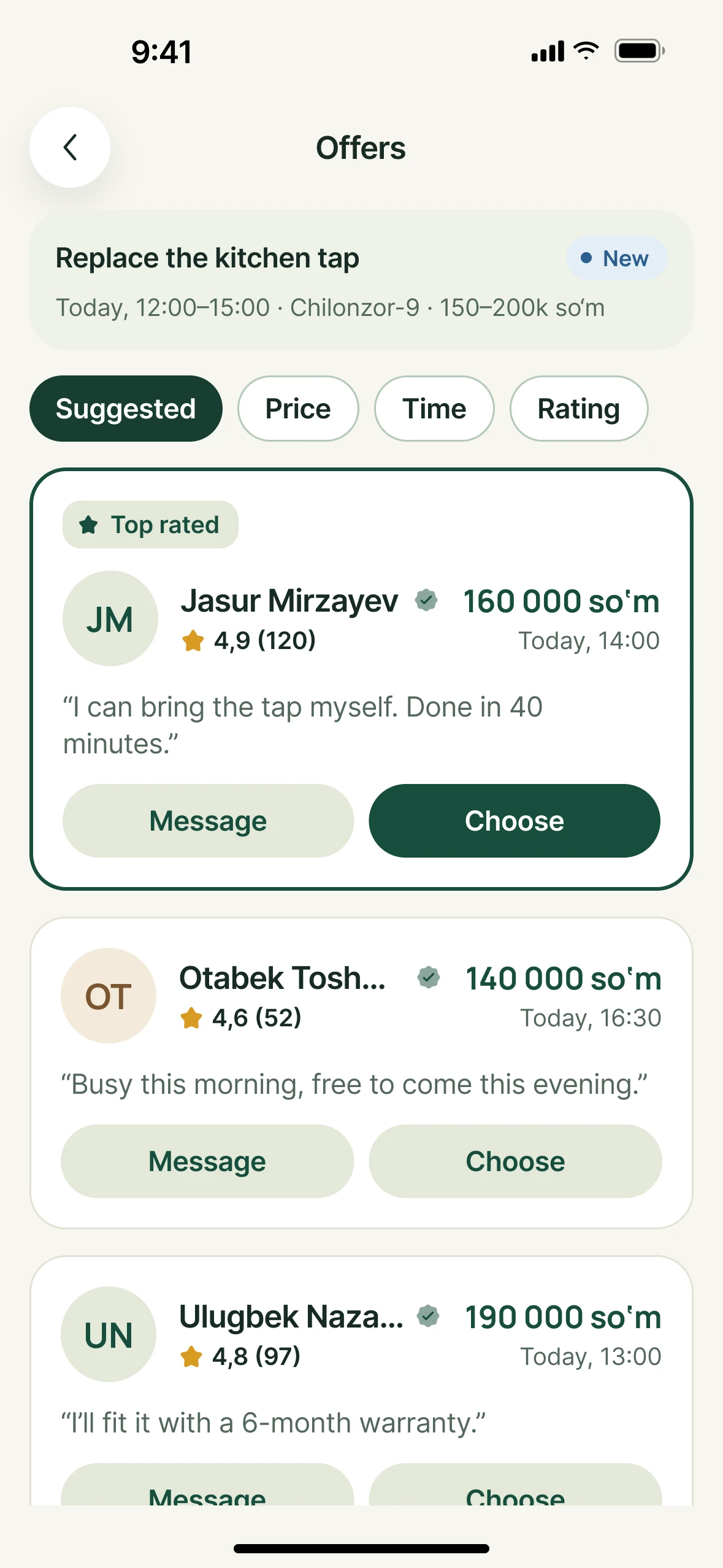
Three offers are in.
Each one shows a price, a time, ratings and past work. Compare and pick one.
- 13:45
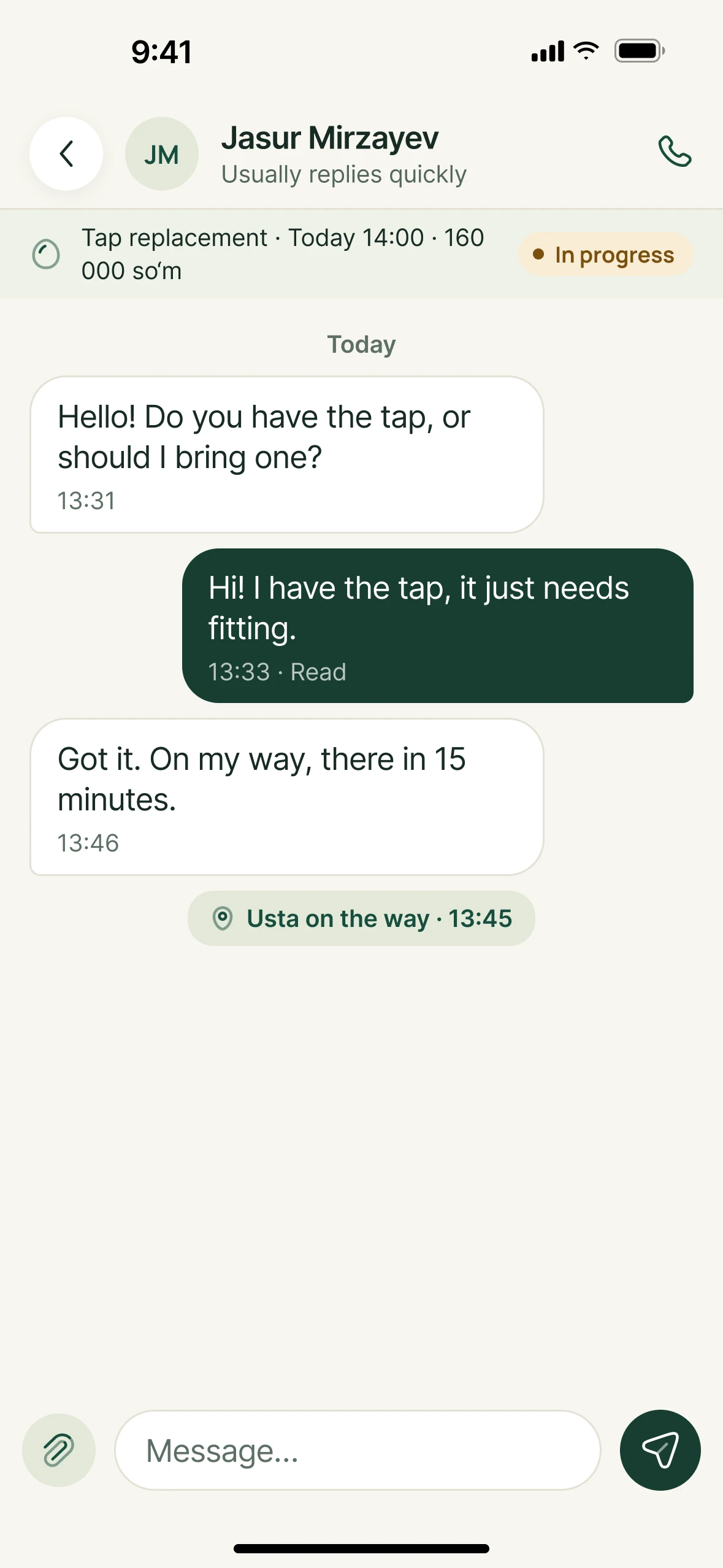
The usta is on the way.
Everything you agreed is in the chat. No need to share your number.
- 15:10
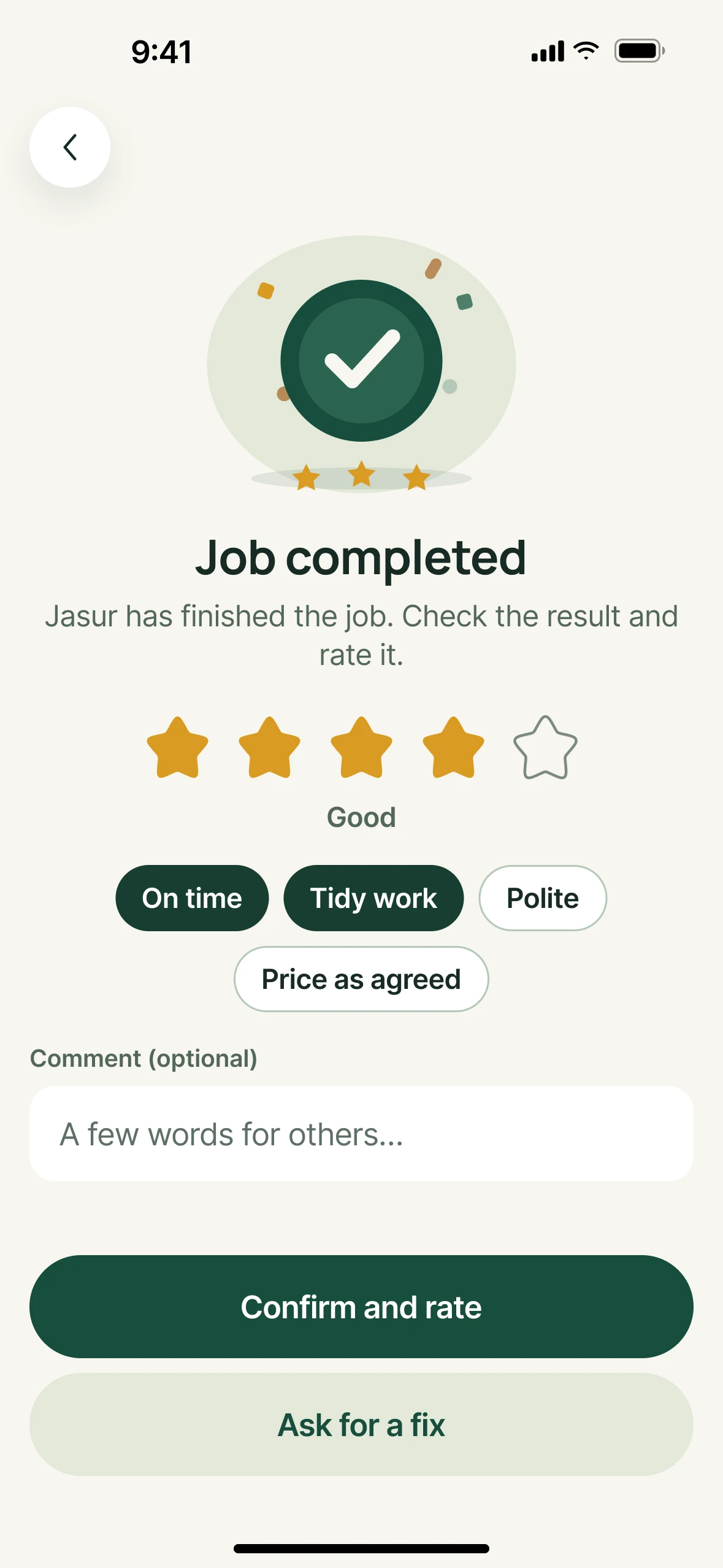
Done.
Pay the usta directly, then rate the work.
You pay Kunwork nothing.
The money goes straight to the usta. The app isn’t in the middle.
- Work, as agreed
- 160 000 so‘m
- Posting the job
- 0 so‘m
- Kunwork’s cut
- 0 so‘m
You know who you’re calling.
Every offer shows this. You see it all before you choose.
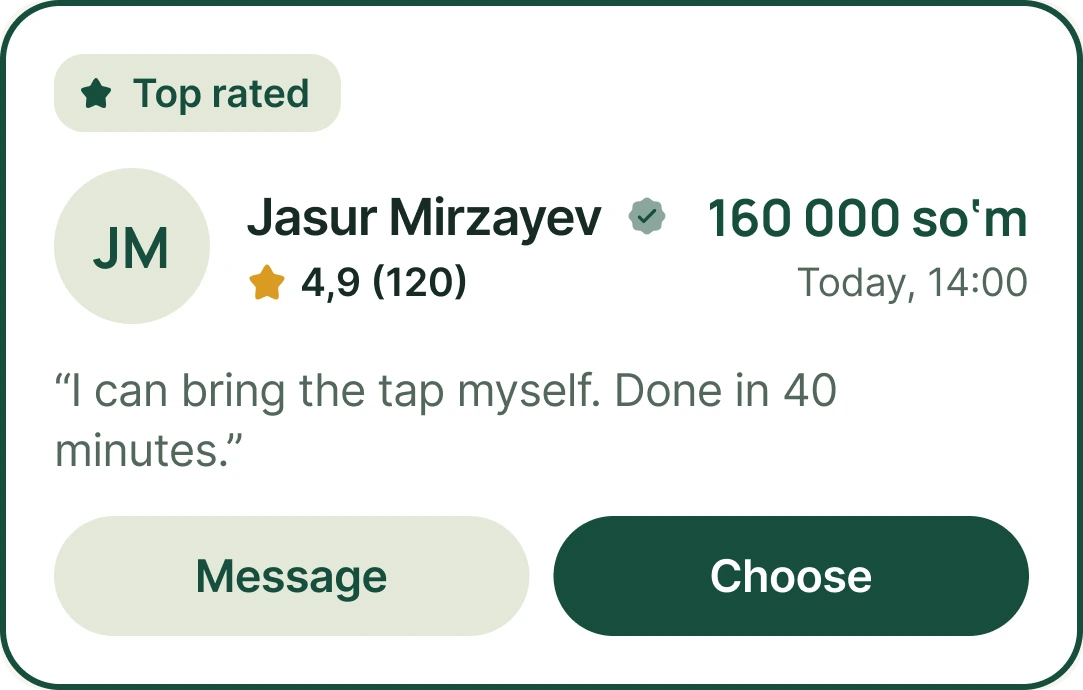
MyID badge
The usta verified their identity with MyID.
Ratings and reviews
Only from finished jobs.
Price and time
The usta names them up front, and you agree before work starts.
The usta’s note
Whether they’re bringing the part, how long it takes, it’s all here.
Common questions
Does posting a job cost anything?
No, it’s free. Kunwork doesn’t charge you.
What if the price is too high?
Compare the offers and pick one that suits you. If none do, don’t pick anyone.
When do I pay?
Once the job is done and you’ve accepted it. In cash or however you agree.
What if the usta doesn’t turn up?
Message them in the chat first. If there’s no reply, tap “Problem” on the job and we’ll help.
Can I cancel a job?
Yes, from “My jobs”. If you’ve already chosen an usta, let them know in the chat.
Who sees my address?
Only the usta you choose. Everyone else sees the district and an approximate area.
On a computer? Scan with your phone camera.
- iPhoneApp Store
- AndroidGoogle Play